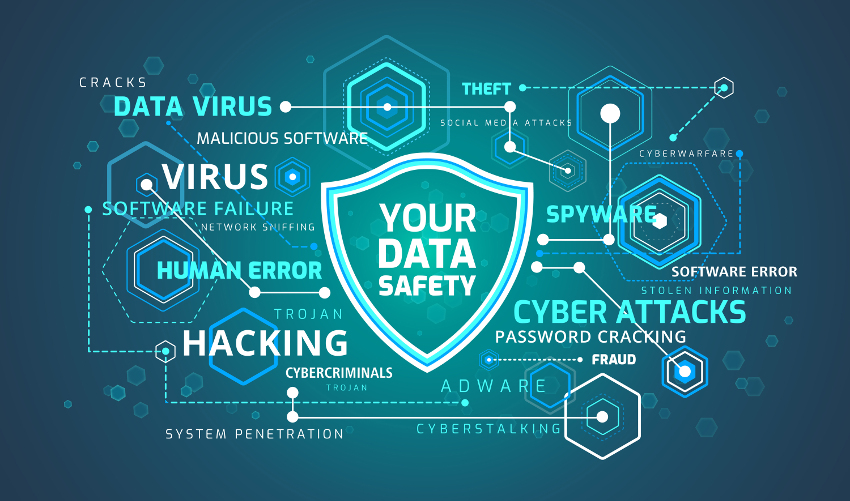
We are all at risk of being targeted by hackers, your financial and personal records are valuable assets that you should guard jealously. You have a responsibility to stay vigilant and protect yourself at all times
Never leave your device unattended
Your device (laptop, phone, tablet, etc.) contains information that can make you vulnerable to hackers. Always keep it safe and be conscious of who might have access to it. Always set a password to your device (Windows, Mac, iPhone, or Android password) and when you are leaving your device or desk for any length of time, lock the device. In addition, if your device is stolen or missing, inform sensitive organizations that you are associated with (bank, office, etc.) and ensure that you reset your passwords immediately.
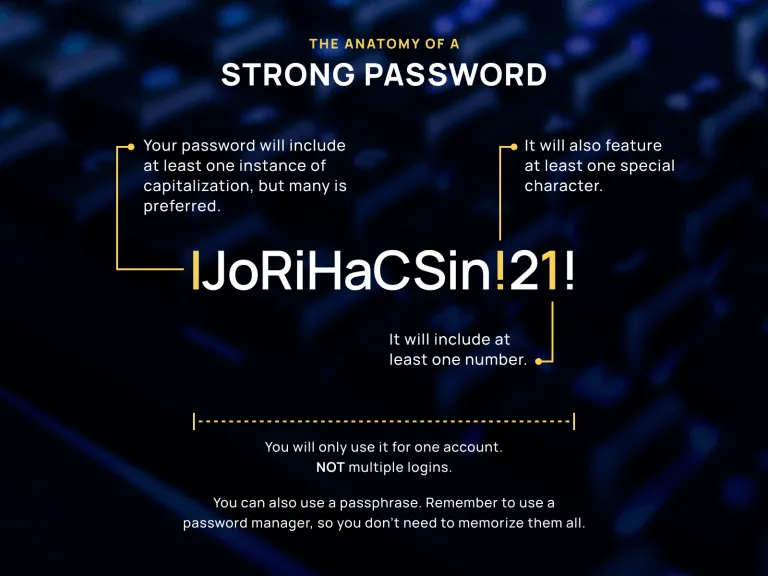
Features of a good password
A good password should have all the following:
1. Minimum of 8 characters
2. A combination of alphabets, numbers, and special characters
3. A combination of small and capital letters
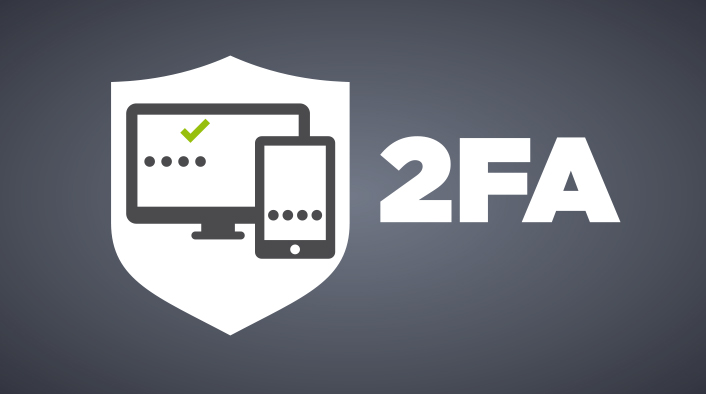
Use at least two-factor authentication
Where possible, always opt in for 2-factor authentication. The first factor is usually a PIN or password (something you know and can remember) and the second factor can be your biometrics (fingerprint, eye scan, voice, etc.) or something you possess, like a token, an app on your phone, or SMS. This additional factor of authentication provides an extra layer of security.
Don't Share Personal Information
Do not give persons you meet online your personal information, such as your birth date, maiden name, address, or phone number. There is never a justification for sharing your personal information with people online. If you feel it is absolutely necessary, confirm via another medium.
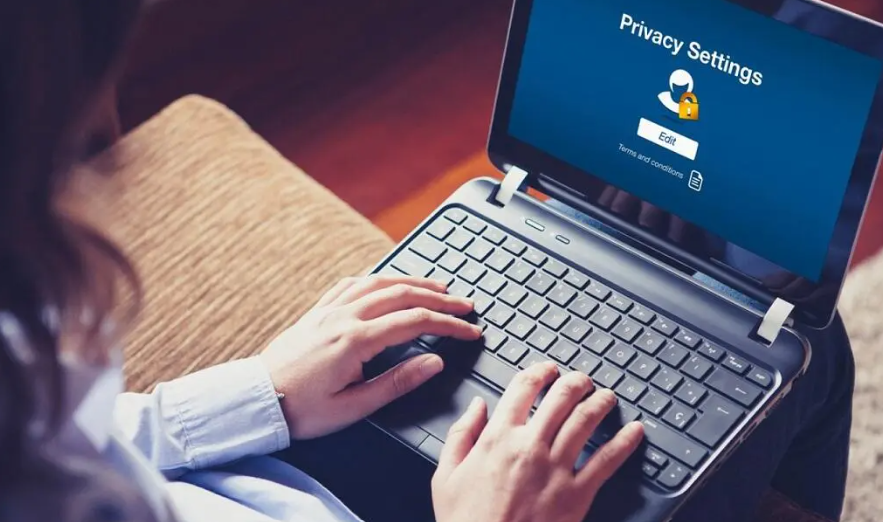
Turn on Privacy settings
Hackers use your social media presence and browsing habits to track you. Turn on privacy safeguards whenever possible to limit intrusion. And keep private information, private.
Browse the Internet smartly
Avoid clicking on an advert link or an article that looks explicit or shocking, as they are often clickbait. If an organisation you know and trust asks for your personal information, don’t give it; rather, confirm with the organization via other means. Watch out for the green padlock and ‘https’ in a URL before inputting your details on any website.
Download with Care
Don’t just download all the apps suggested to you. If you must download, download it from the official store or website. And note the permissions you grant to downloaded apps, only permit as needed
Keep your software up-to-date
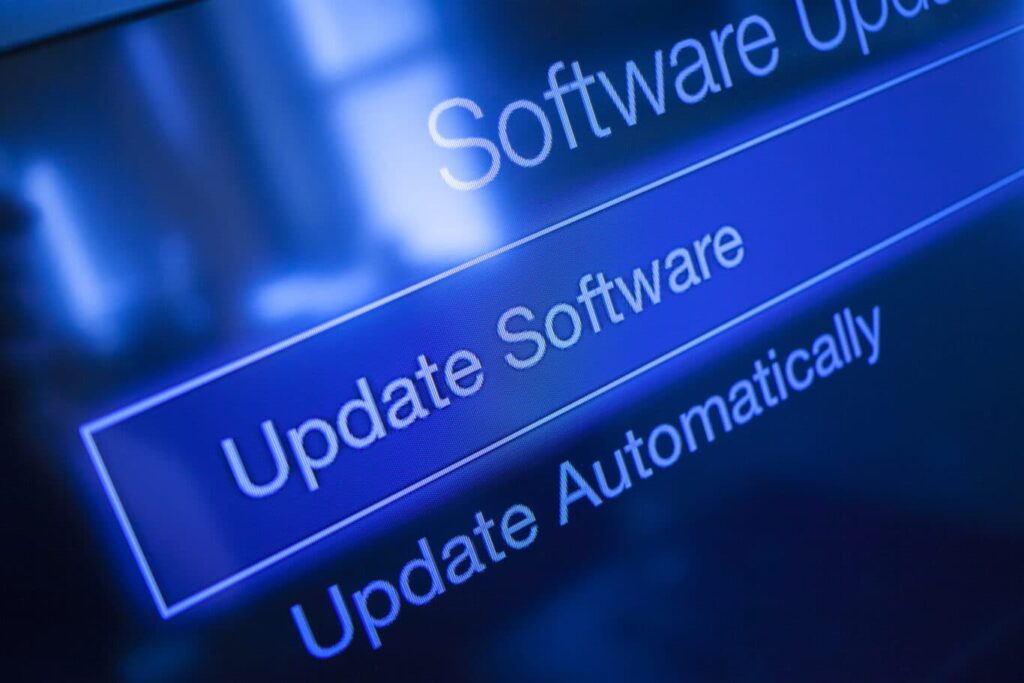
Yes, it can be a bother. Restarting your device to install the latest update is so inconvenient. But those updates are there for a reason. Most times, they are security patches for your device that can keep you secure in cyberspace. So let the device complete its update.
Avoid using public networks
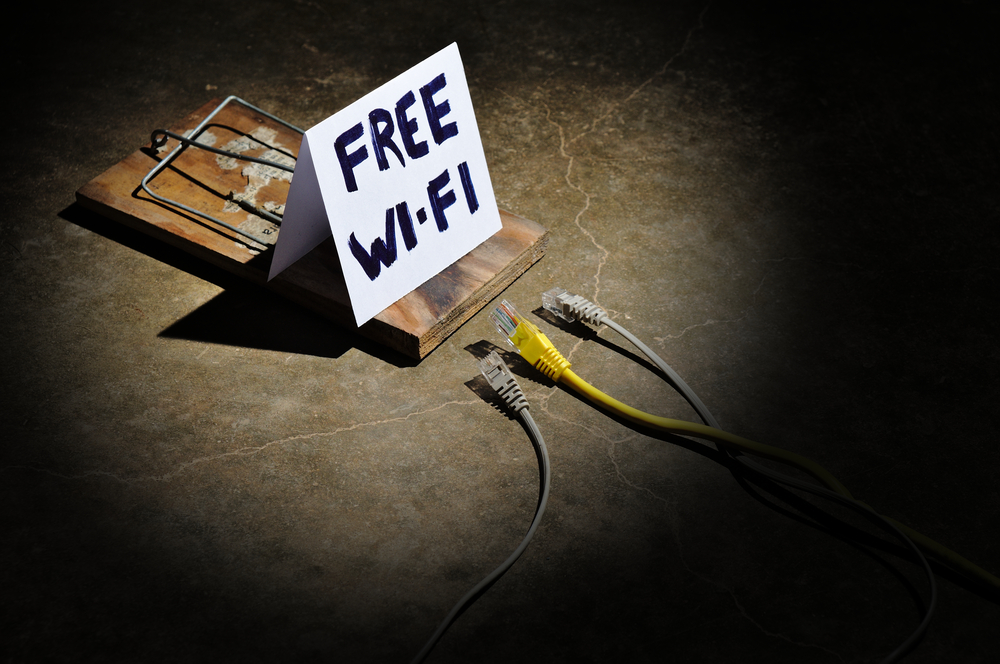
Networks in hotels, airports, cyber cafes, and other public places are prone to attacks and eavesdropping. Avoid conducting important and confidential transactions on such networks, you don’t know who is listening. If you must (and that is really the only option you have), use a virtual private network (VPN).
Backup
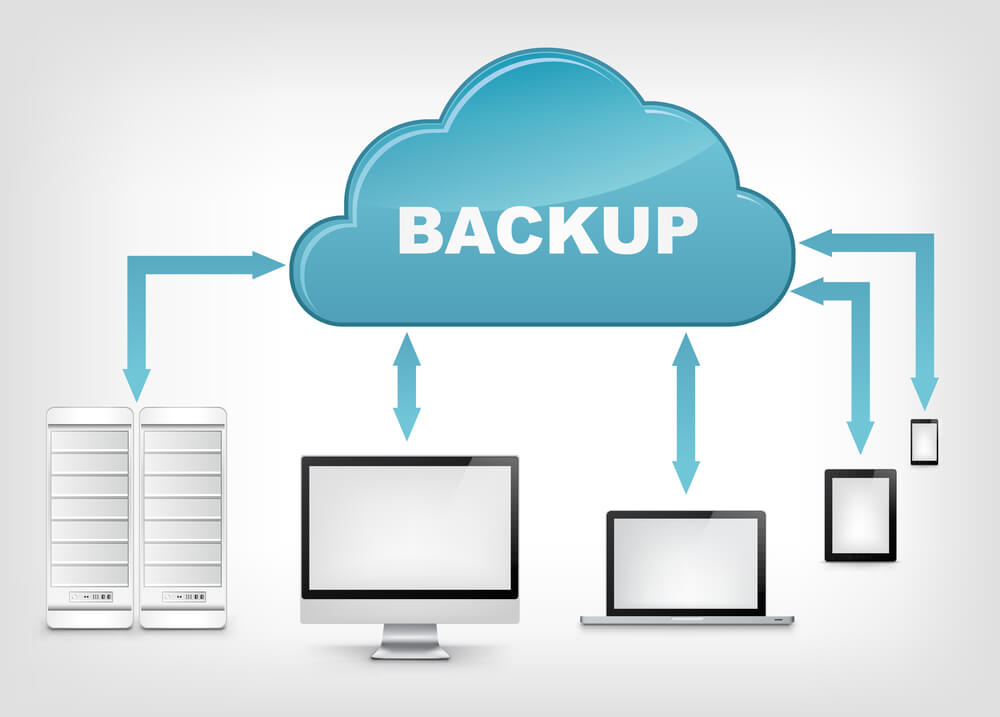
At one point or the other, your device might be hacked, stolen, or damaged, you will want to get back to normal as soon as possible and with minimal loss. Hence, always back up your important information on two other devices/storage. Take advantage of cloud storage for your backup (you can encrypt the information as an added security layer). Your institutional email can be useful in this instance.
Stay Cybersecurity Conscious
A constant cybersecurity consciousness is probably your best security habit. Think through each action and ask how does this expose you to cyber criminals? Actions such as your choice of passwords, writing passwords in jotters left on your table, websites you visit, the information you share, etc, all either strengthen your cyber security or weaken it.